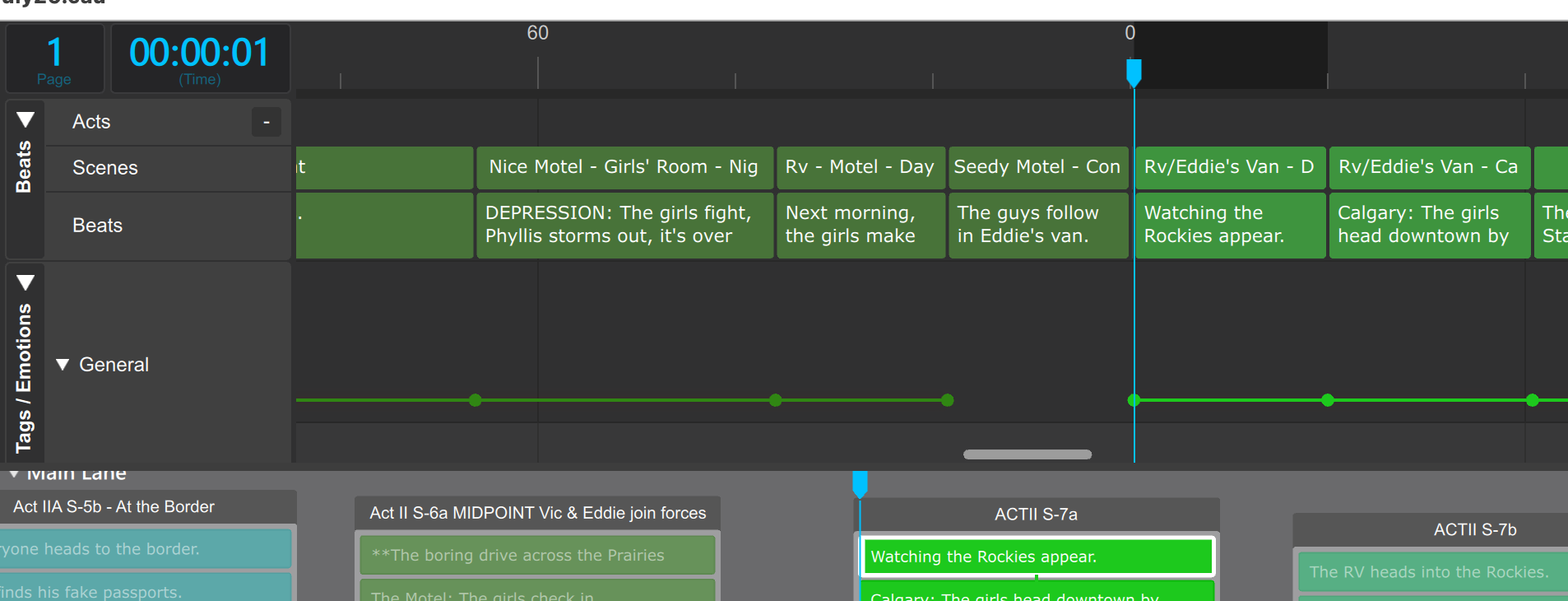
I am moving groups around on the whiteboard but they aren’t moving on the script or timeline. I created a new group to move a few beats over and they haven’t budged. How do I get everything to sync? I’m stuck with a deadline and don’t dare write anything else.
Thanks for the assistance. I love this app but I just can’t figure this out.
Deborah G.
Edit: I rebooted the app. It put the problem group forward and I used Push to make room and insert it where it needed to be. And it worked. It didn’t bounce all over the place. And the page numbers, script and timeline synced. So problem solved for now, but it’s an issue that needs attention for sure.
Hi,
It’s difficult to diagnose the situation now that it no longer exists. But this is the first and only report ever of a problem regarding moving beats in the whiteboard. We would need more details in order to examine it. Given that you’re a new user, it’s more probable that there’s perhaps something confusing in the UI that lead you to interpret it this way, which is interesting to untangle in and of itself.
Hi Per,
Further to my earlier post about groups moving where I don’t want them, I have clearly done something wrong in fixing the problem. Now in the timeline, I see pages 1-63, then the timeline breaks and the next group starts at page 1 again. Screenshot below. How do I close that break so the pages number correctly? I am using OS Tahoe 26.5.2 and know that I need an Apple Silicon Causality app. Where can I download that from? Maybe that’s what’s causing my problems?
Thanks,
Deborah
Hi,
Is there any chance that you have moved a block on the whiteboard and you haven’t noticed that there is a confirmation button which is blue in the upper right of the whiteboard?
Basically when you drag major items in the whiteboard, we don’t do it right away because it can be invisibly destructive if you move a block a little bit and then move it a little bit and then move it a little bit in three separate steps. The reason is that when you drop your block, whatever is in the block gets threaded into what is happening elsewhere in the whiteboard. That means that your sequence might take a little bit of damage every time. What we’ve learned is that the sequence is some of your most precious work in Causality and we have to make sure that the sequence only changes when you do it and you intend it.
Per