Hi there,
really appreciating your work and what I read so far here very sophisticated and thoughtful, careful approach in developing this great App even further. 
I know about the small team and am aware of IT dev. doesn’t work that linear as some people might think; otherwise Apple could drop off new software every month.
That being said I recognized there a some (many=) things that got released but been taken back. I do understand that testing is different to going live. But removing things is a bug hurdle - I just watched the tutorials (really made fantastic, stick to that style pls!) and was like HEY YEAH! … then recognized that many things seem to got a downgrade w/ v4.0; Inspector eg. is some major thing which shall not be touched that often of course; especially when stating that the Research part is THE crucial part of the software. 
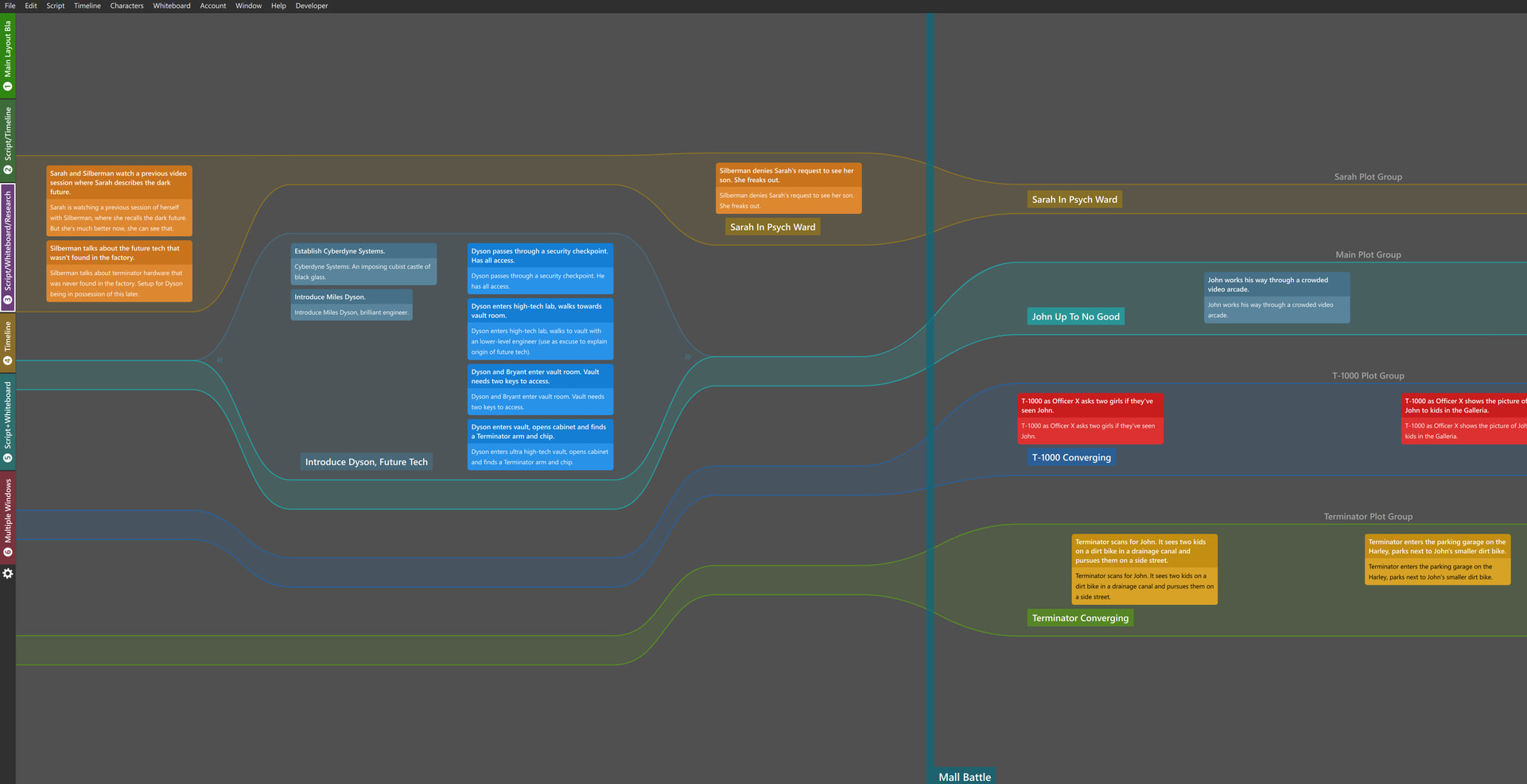
However I spent the first hours on working w/ Causality and feel like I am missing structure so I am working on templates right now and want to share some questions, maybe bugs and thoughts; perhaps someone can help w/ that.
- Most keyboard shortcuts are not working on my MacOS
- Research window doesn’t stay in front (pls bring back inspector!)
- Clicking tags in the script doesn’t do anything on my timeline nor whiteboard
- Only one instance of Causality can run at a time, is it like that?
- Subtext beats offered the option to see all places where it has been used (2/5 etc..) and go through it; can I see that somewhere else instead of filtering or does filter give me the amount of numbers where a tag has been used, too?
- That little running man on the lines - where is it to be found as that seemed to be a crucial useful feature to follow stuff; because following things manually is simply impossible and eats your resources.
- When selecting a specific line the other stuff gets greyed out; to me its not enough greyed out as the effect depending on the screen and daylight seems to be very low. To me it would be nice if it’d be less decent
- Chapters, Acts, Sections… I don’t get it: Where do I create place them?
- Lanes… Mysterious lanes… what to do w/ it and what to not ? (@Per I saw your recent approach of collapsing lanes and wow - that really is a clever idea!)
- Tags - when tag-groups are created they do not appear in the Research area; though they behave as folders; a bug?
- When opening settings whole Research is open the settings screen is re-sized and trapped within the Research folder
So far - thanks again and cheers to all of you!