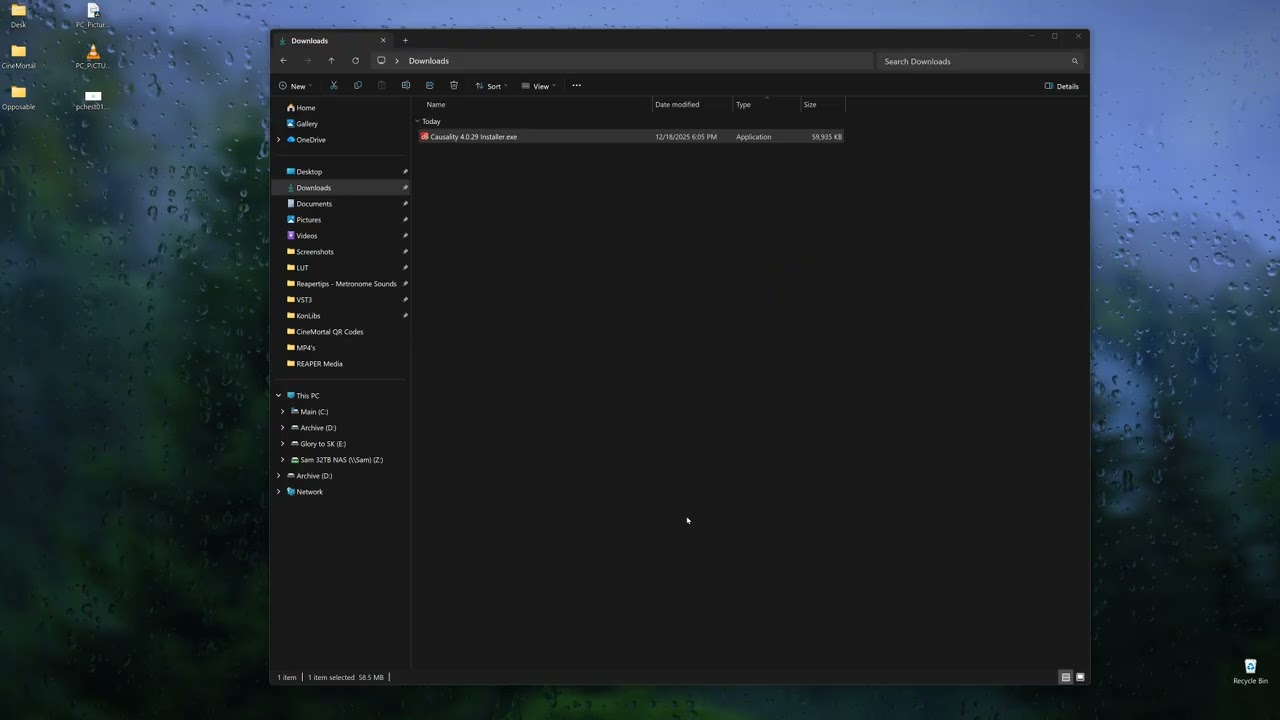
When I load any version of Causality I have tried, I encounter a scaling issue that prevents my cursor from aligning with buttons or menus. This issue is unique to Causality. It gets worse the further from the top left corner my cursor is. See the video.
Hi,
I haven’t seen this particular permutation of mouse scaling issues before. Normally, it has just been us having trouble with mouse scaling in the main graphics of the app, but this is the menu, which is done by the Qt framework, and was expected to work properly, because we’re not part of drawing those graphics or handling mouse events for them. We simply ask for a menu, and it magically appears, it’s all a black box to us.
Mouse scaling is generally messy, because both Windows and the Qt framework are trying to hide how they do High DPI so that apps can continue working in old-school Low DPI coordinates. There are layers and layers of coordinate conversion, and it’s sometimes voodoo.
A couple of things to check:
- Is the scaling error universal? Does it apply equally to every clickable thing in the app?
- If you’re using multiple monitors, is this different with the window on a different monitor?
- What is your Windows Display Scaling set to on each monitor?
Per
Hi,
Great! It’s not truly fixed, but you did find a workaround.
Please go the Account menu and select Send Log To Support, then email us right after sending the log. The first part of the log includes the screen configuration and the scaling factors used. Maybe there’s a hint at what’s happening.
Also please send a screenshot of your Windows display layout (the panels with the multiple monitors you can drag around).
I am so sorry it took me this long to respond. It seems like the newest version fixed the issue.
Hi,
I’m glad. But now we’re going to Qt 6 soon (the framework we use, it’ll be mentioned in the release notes). As part of the transition, we’re again dealing with various scaling issues that are different in Qt 6, but it’s possible that problems like this one will come back.